Run Test in Stratos™ Studio
Open Studio
- Go to Go to Stratos™ Studio
- Provide your login details and login
Navigate to Feature
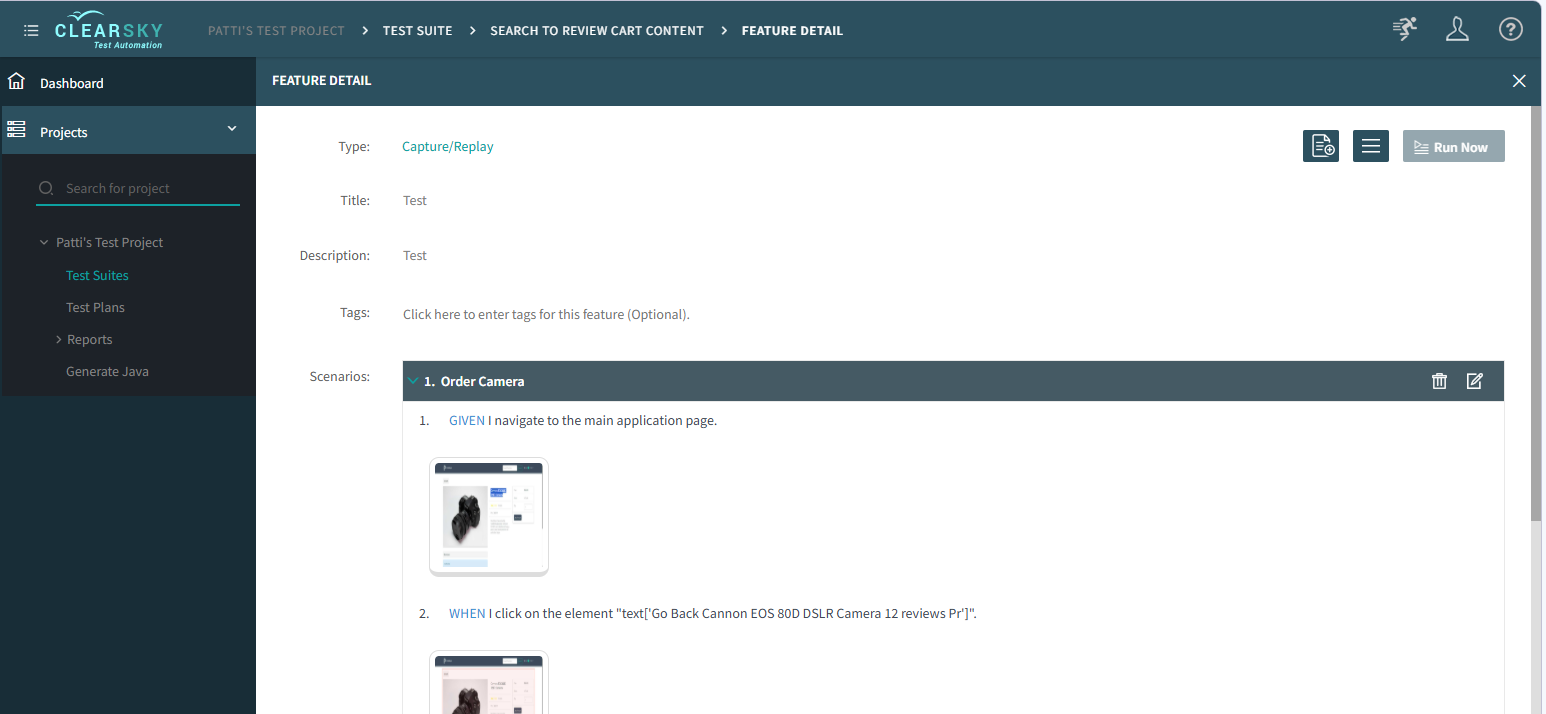
- Go to the Feature you uploaded the test to via Project Name > Test Suites > Suite Name > Features > Feature Name
- Look for the scenario you just uploaded.
- Expand the scenario so you can see all the steps.
- Verify the test was uploaded as expected.
info
You can make additional changes in the Extension for the scenario and re-upload to the Studio as required to get the test setup correctly. Or you can use the edit functions on the scenario in Studio to make additional changes.
Run Test
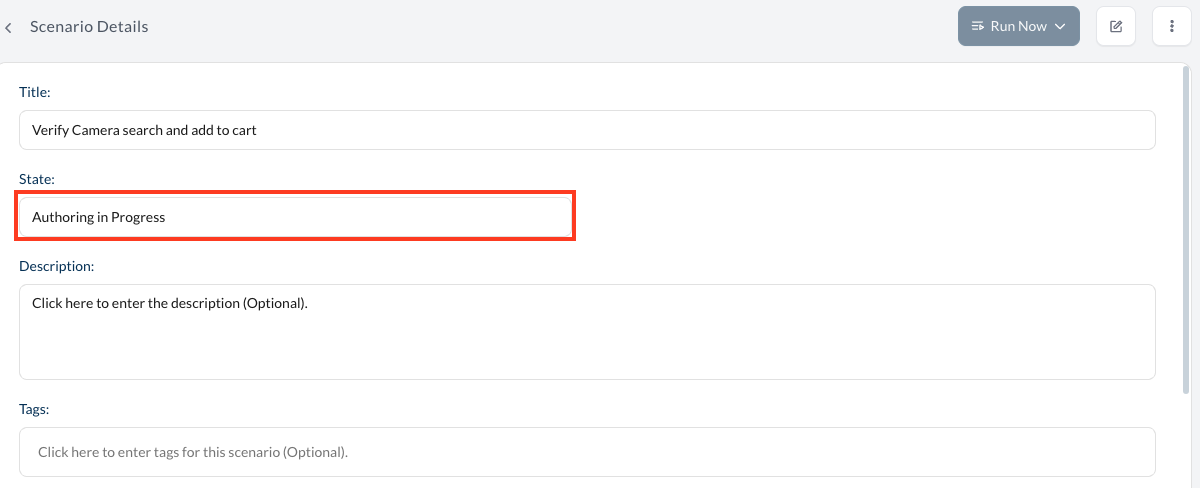
- Edit the scenario once finalized.
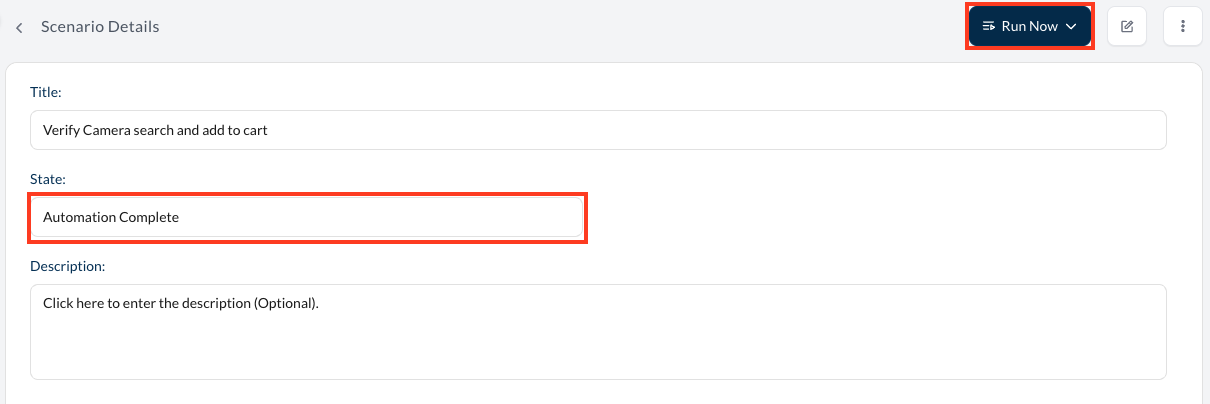
- Click on "State" dropdown field
- Change state to "Automation Complete" to make it runnable and enable the Run Now button.
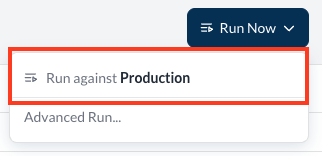
- Click Run Now, click the environment to run against, which will kick off the test run in Studio.
- If you received a "Clear Sky wants to ..." system message, please click Allow.
- While the test is running status will be provided in the Currently Running panel to the right.
Review Results
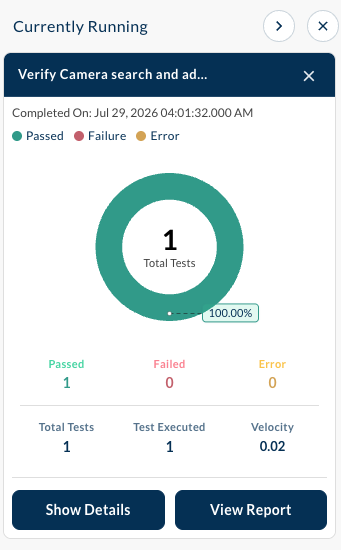
- When the test finishes running, the Currently Running panel will show:
- Completed On date/time
- Number of Passed tests
- Number of Failed tests
- Number of Errored tests
- Tests total number
- Number of tests executed
- Velocity
- It will also allow you to see the Run Details and the Run Report by clicking Show Details and View Report buttons respectively.