Extension guide
Clear Sky Stratos™ Chrome Extension
Record, edit, and play back automated tests directly in your browser — no coding required.
The Clear Sky Stratos™ Chrome Extension lets you record, edit, and play back automated tests directly in your browser — no coding required. Finished tests can be uploaded to Stratos™ Studio and included in your team's test runs.
New to Clear Sky? The Getting Started tutorial walks you through recording and uploading your first test end to end.
What you can do
- Record clicks, text input, dropdown selections, hovers, and navigation as you use your site
- Add assertions that verify text, numbers, visibility, attributes, CSS, and element state
- Play back tests at full speed or step by step
- Manage actions — view, edit, reorder, delete, and add steps manually
- Use variables to reuse and randomize values across steps
- Import and export tests as JSON files
- Upload finalized tests to Stratos™ Studio
- Check page health and download a PDF report
Opening the panel
The extension runs in a browser side panel. To open it:
- Click the extension icon in the Chrome toolbar, or
- Right-click anywhere on a page and select Clear Sky Stratos Chrome Extension
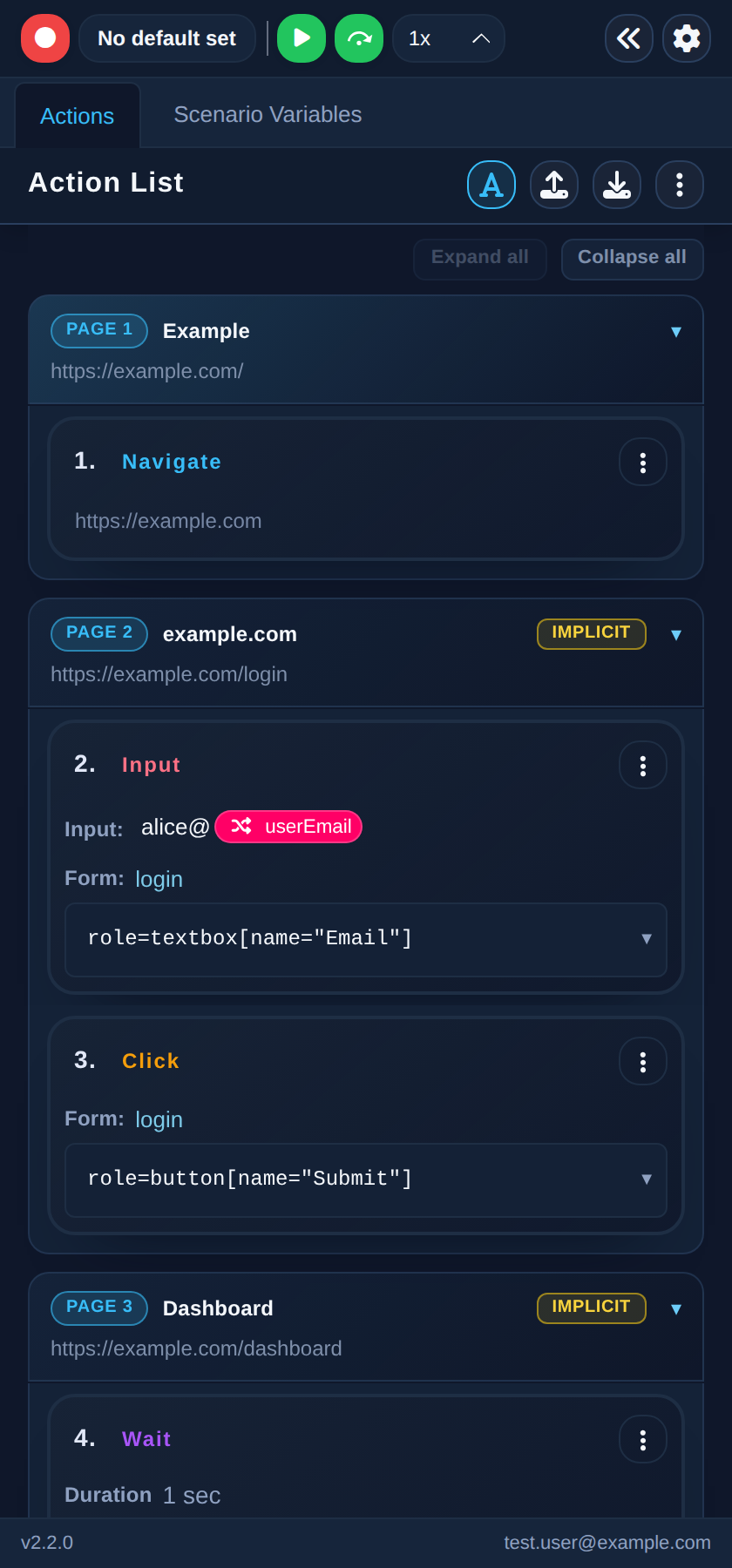
At the top of the panel you will find two tabs:
- Actions — the action list with the recording and playback controls
- Scenario Variables — the variables used by your test
You can collapse the panel with the collapse button in the header. While collapsed, a small indicator stays pinned to the right edge of the page — click it to reopen the panel.
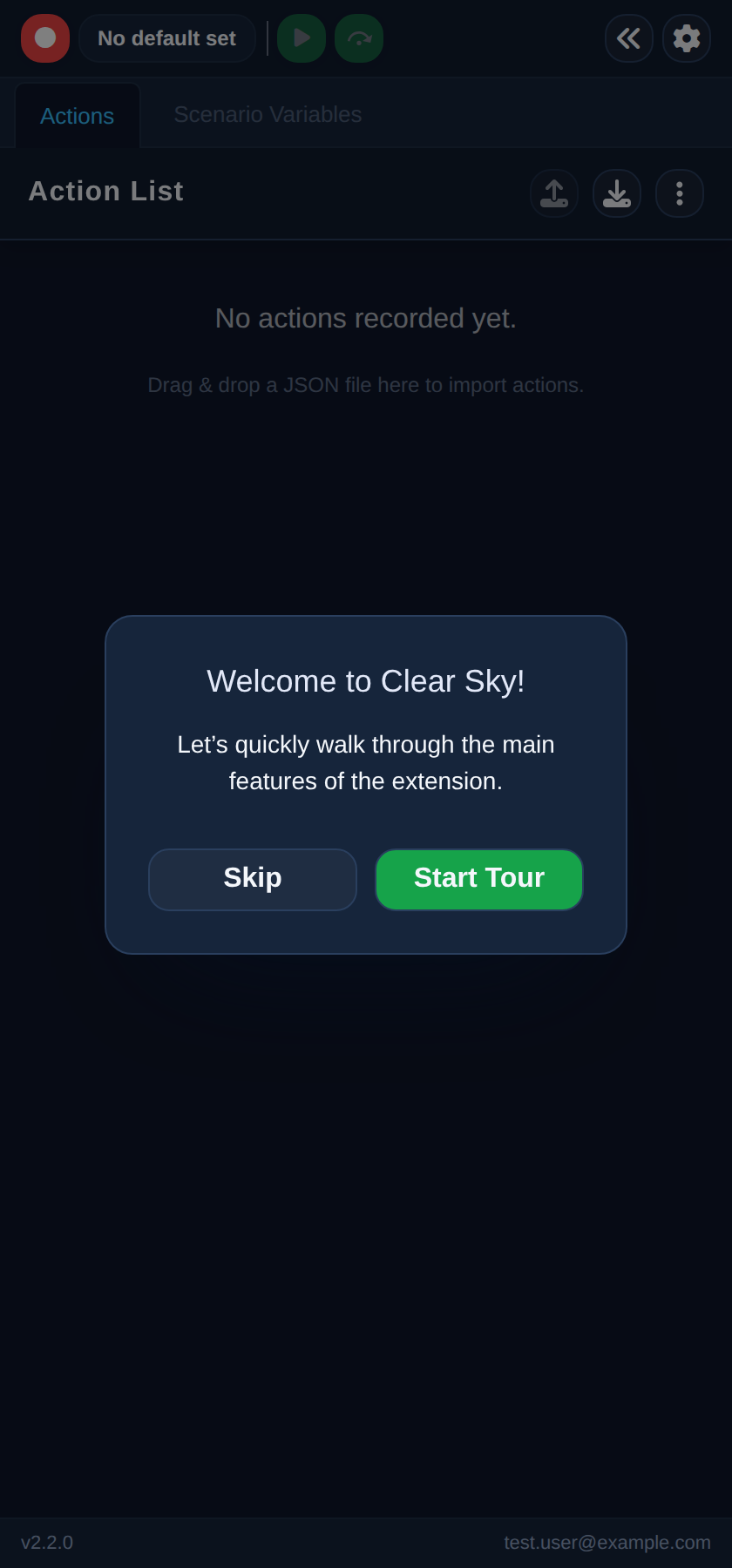
The first time you open the panel, a welcome dialog offers a short tour of the main features. Click Start Tour to walk through it, or Skip to explore on your own.
Signing in
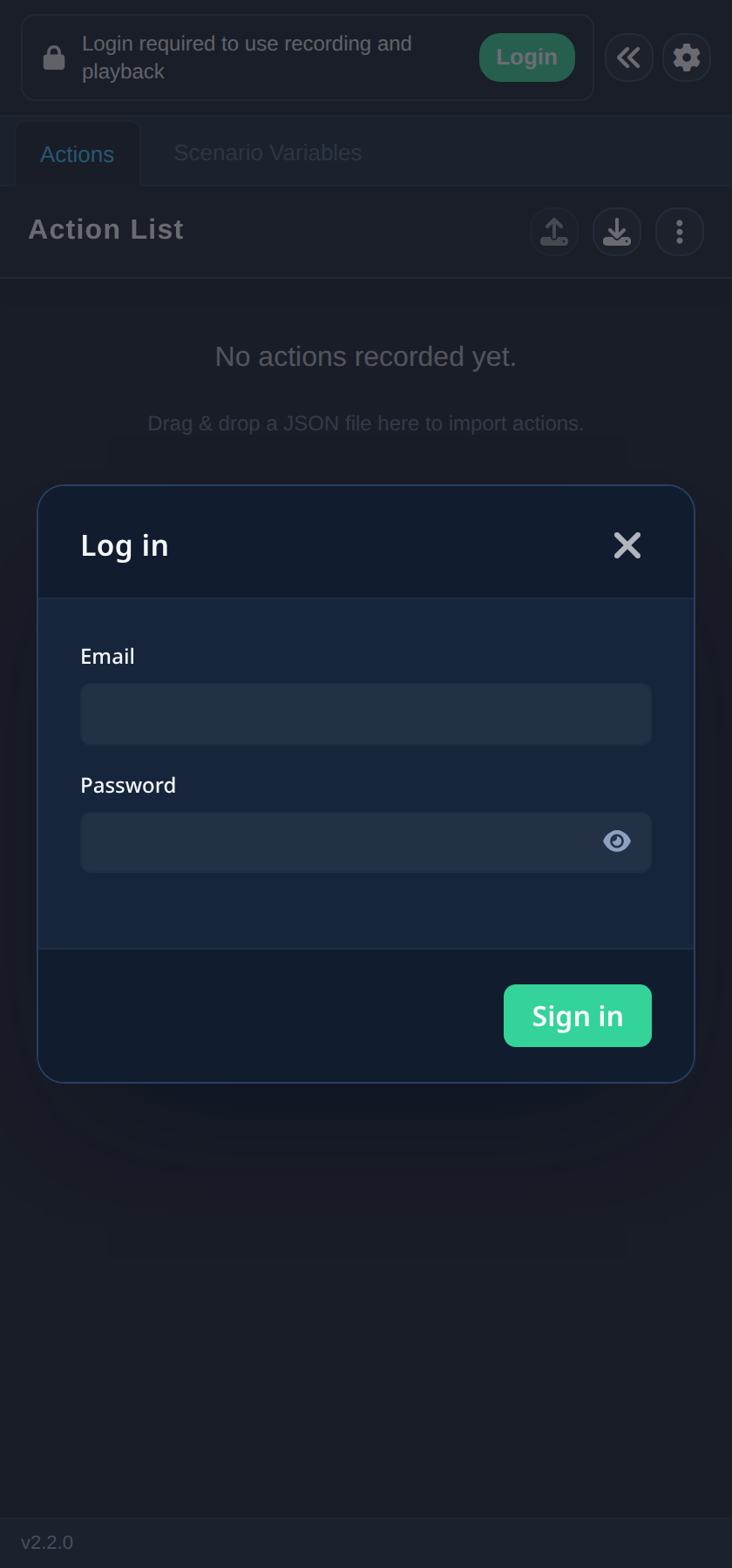
Recording and playback require you to be signed in. If you see the message Login required to use recording and playback, click Login and sign in with your email and password.
Once signed in, your username is shown in the panel footer next to the extension version.