Your Account
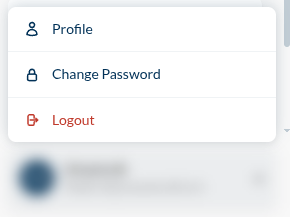
Your name and email sit at the bottom of the sidebar. Clicking them opens three things: Profile, Change Password, and Logout.
Profile
What you can change:
- First Name, Last Name
- Phone No
- Time Zone — every timestamp you read in Studio is rendered in it. If your reports seem to complete at strange hours, this is why.
- Enable multi factor — a second factor at sign-in
What you can only read:
- Organization and Email — your identity, not your preference
- Group and Role — what you are allowed to do
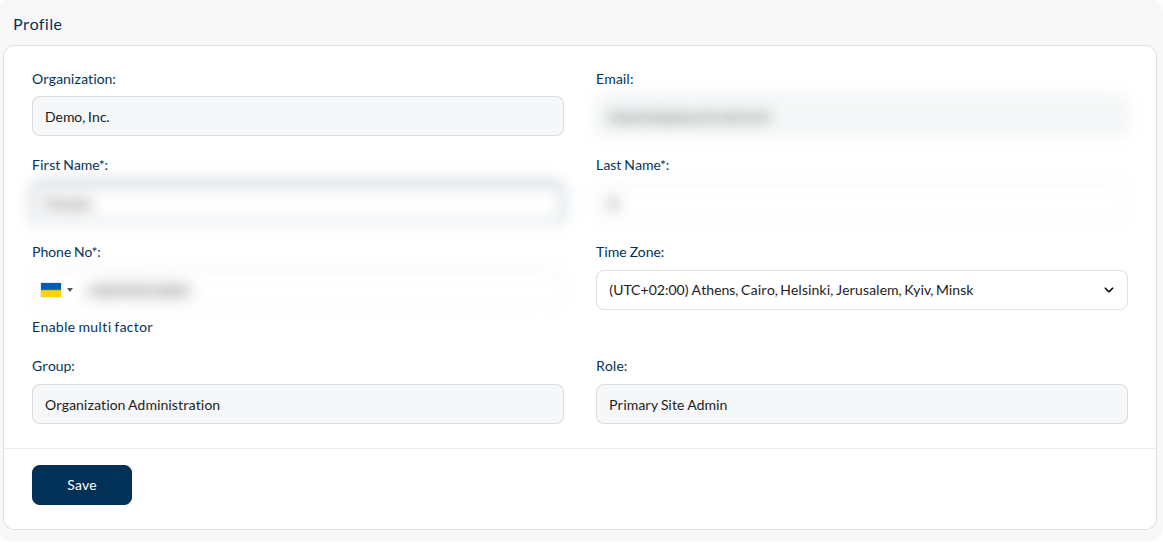
Group and Role are read-only for a good reason: nobody grants themselves rights. They are set by an administrator, in Users, and what they mean is Roles.
Change Password
Changes your sign-in password. It does not touch the Token stored in a project's defect-tracker integration — that is a separate credential, belonging to the project rather than to you.