Users
Administration ▸ Users lists everyone in the organization: their email, name, organization, phone, and whether they are active.
This is an administrative screen. If your role does not include it, Administration will not be in your sidebar at all.
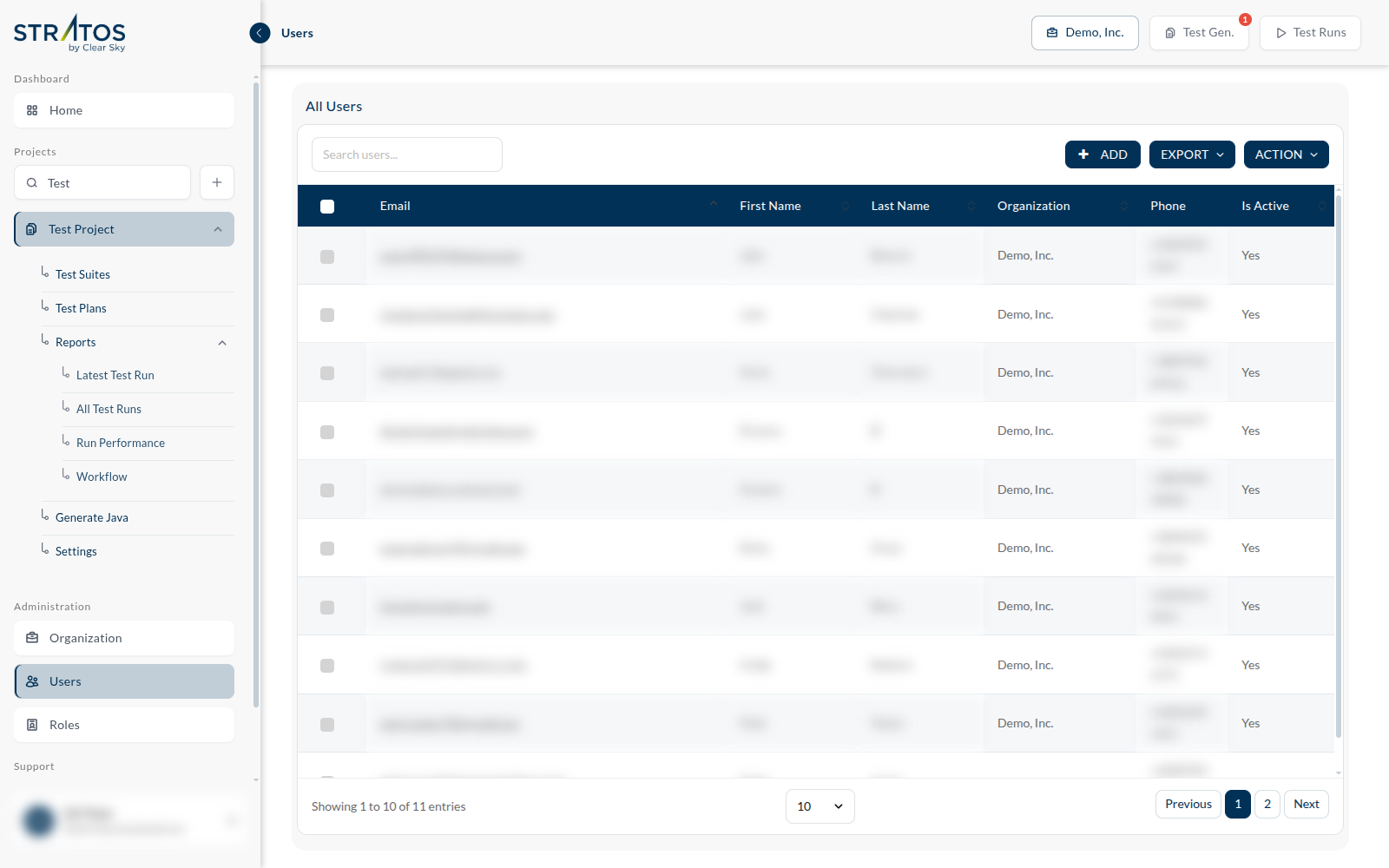
The grid does what grids do — search, sort, page — and three buttons do the rest:
| Add | invite a person: their name, email and the role they get |
| Export | the list, as a file |
| Action | acts on the rows you have ticked |
Deactivating instead of deleting
Is Active is the column that matters when someone leaves. Deactivating a user stops them signing in while leaving their history — the runs they started, the tests they recorded — intact and attributable. A deleted user takes that context with them.
Rights come from roles
You do not tick permissions on a person. You give them a role, and the role carries the permissions — which is why a change of policy is one edit to a role rather than an edit to forty people. See Roles.